




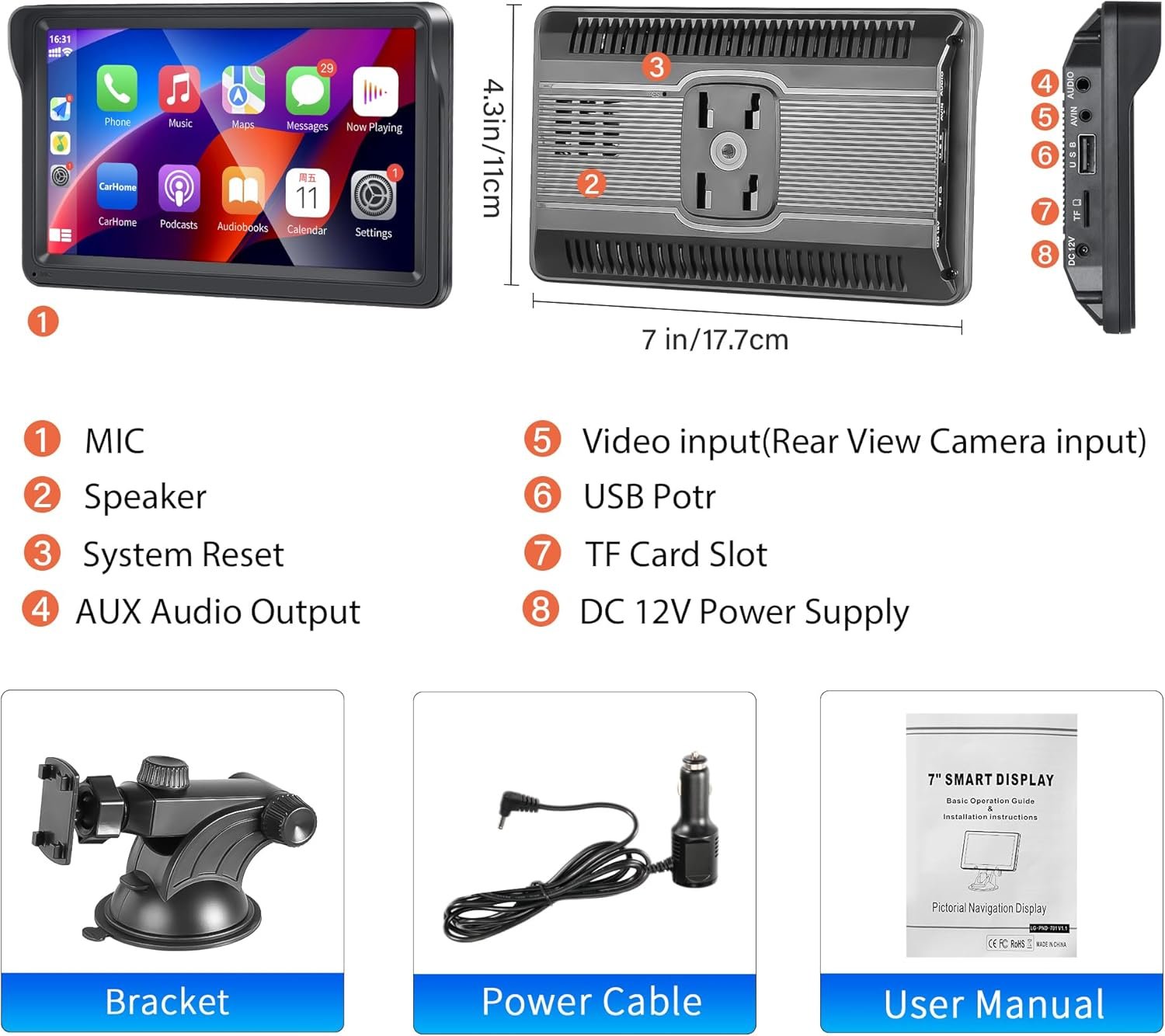
Description
Price: $46.99 - $44.64
(as of Jan 16, 2025 20:08:39 UTC – Details)

Product Description

Please note the following instructions:
To avoid short circuits, etc., do not drop metal objects into the device
lf there is smoke or odors in the device, turn off the power immediately.
Do not drop the device or subject it to strong impacts.
To avoid equipment failure, please observe the following precautions:
Do not install the device in a place with strong sunlight, high temperature, high humidity or dust.
Do not get the equipment wet when washing the car, this may cause a short circuit, which can cause a fire or malfunction.


Note: If the device can not connect to the phone, please reboot thedevice and your phone both and try connect again.
Wired Android Auto Connect:Smart Phone – Android Device -Select Android Auto
Wireless Android Auto Connect:Smart Phone – Wireless Device -Select Android Auto
Wired IOS Phone Carply Connect:Smart Phone – iPhone Device -SelectCarply
Wireless IOS Phone Carply Connect:Smart Phone – Wireless Device -Select Carply

Wired Android Phone MirrorLink Connect:Smart Phone – Android Device -Select MirrorLink
Wireless Android Phone MirrorLink Connect:Smart Phone – Wireless Device -Select MirrorLink
Wired IOS Phone MirrorLink Connect:Smart Phone – IOS Phone Device -Select IOS MirrorLink
IOS AirPlay Connect Operation:Smart Phone – Wireless Device -Select Carply


1.The device is not powered on, can not turn on the device?
Check whether the power Cable is installed correctly, only turn onACC then Our device will star to boot.
3.Can’t connect to Bluetooth?
Please clear your phone’s Bluetooth registration and reconnect to match.
4.Can’t use the Phone Link?
Follow the instructions to operate and if you can’t connect to your phone yet, restart your phone or Monitor Device, turn off your phone’ bluetooth & WLAN,then turn on again. Use the original USB Cable connect your phone to the Monitor device.
5.The device plays music or video without sound?
Please turn off the FM Transmit function.
6. ls the device stuck? No content response?
lf this happens to you, we recommend that you try to puncture the RST hole (in theback side of device) with a pin for more than 3 seconds. This feature will reset yourmachine to factory settings.
Add to Cart
Add to Cart
Add to Cart
Add to Cart
Customer Reviews
3.8 out of 5 stars
501
3.7 out of 5 stars
141
3.8 out of 5 stars
200
4.0 out of 5 stars
60
3.8 out of 5 stars
311
—
Price
$39.99$39.99
— $48.66$48.66 $74.99$74.99 $56.99$56.99
—
Display Screen
7 Inch Touch Screen 7 Inch Touch Screen 7 Inch Touch Screen 7 Inch Touch Screen 7 Inch Touch Screen 7 Inch Touch Screen
Bluetooth
✓
✓
✓
✓
✓
✓
FM Radio
✓
✓
✓
✓
FM Transmission Audio FM Transmission Audio
USB Charging
✓
✓
✓
✓
✓
✓
AUX Input
✓
✓
✓
✓
✓
✓
Remote Control
✓
✓
✓
✓
NO NO
Rear View Camera
✓
✓
✓
✓
✓
✓
MirrorLink Connection
✓
✓
✓
✓
✓
✓
Carplay/Android Auto
NO NO
✓
✓
✓
✓
Front Camera
NO NO NO NO NO
✓
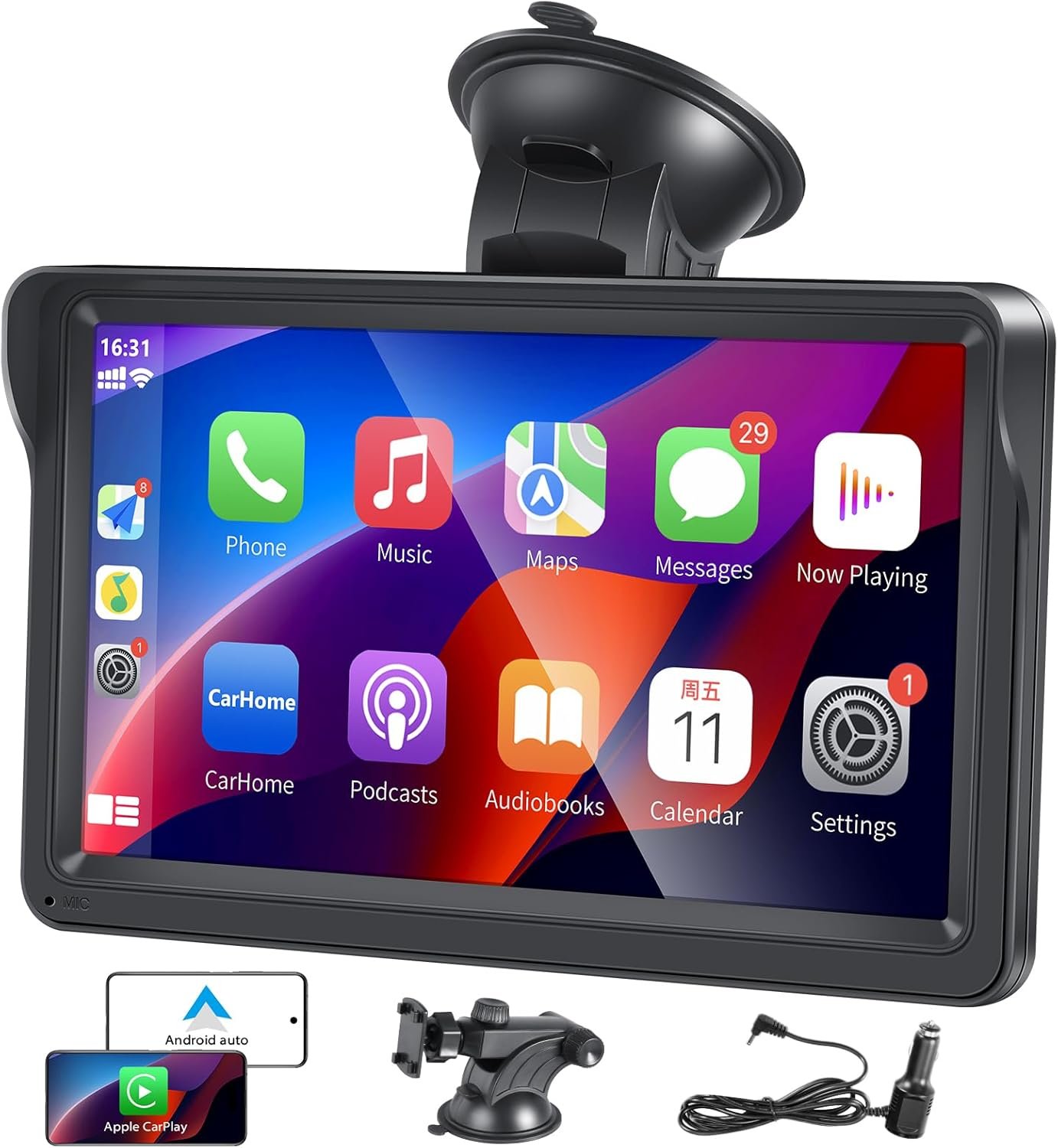
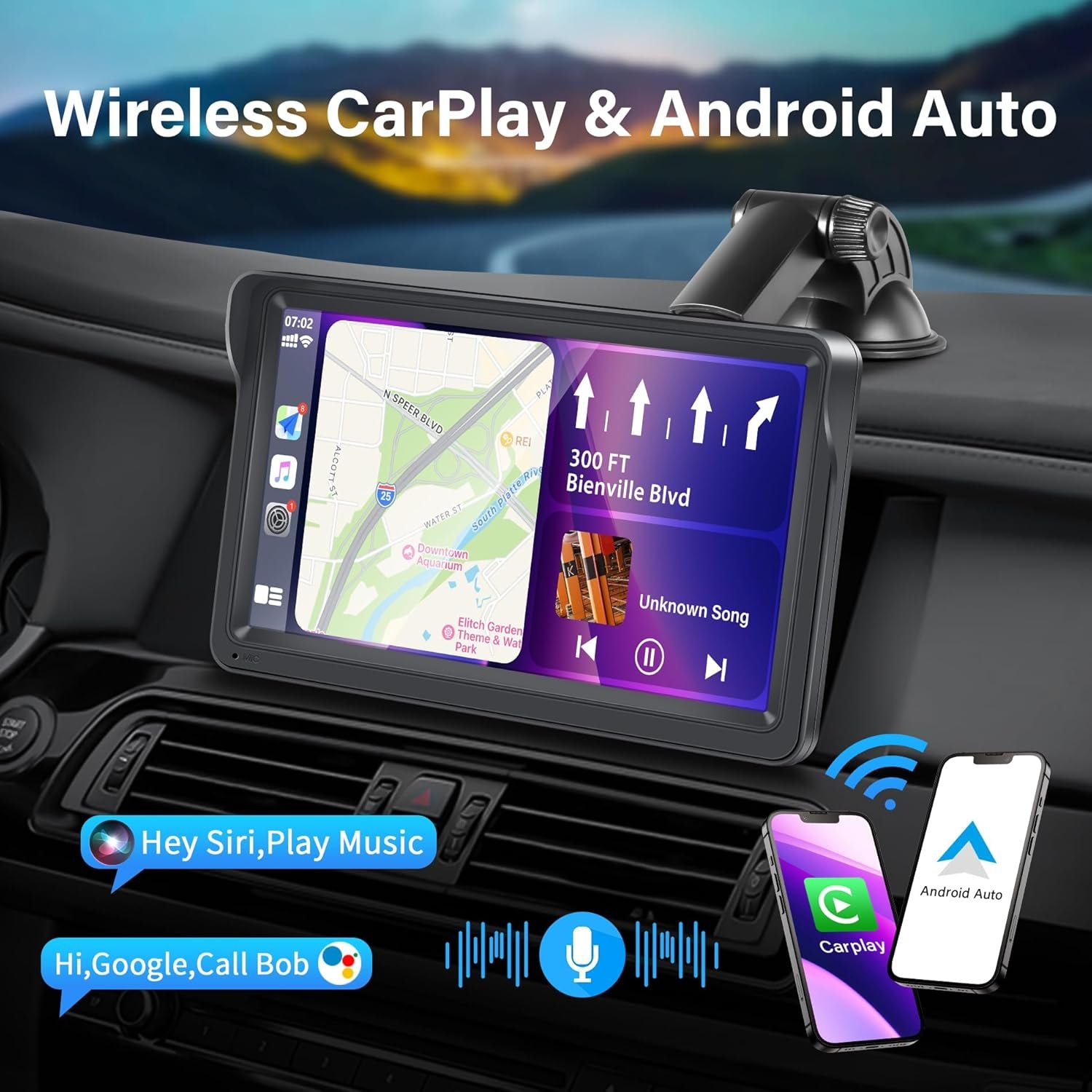
【Wireless Carplay/Android Auto】Portable Carplay supports wireless Carplay and Android Auto. By first connecting your phone to the portable car stereo via Bluetooth and wifi, you can access iPhone apps, maps, music, calls and other features directly through the car’s portable touch screen display. It also supports voice control via siri or Google Assistant, enabling safer use of phone features while driving, providing you with a safer driving experience.
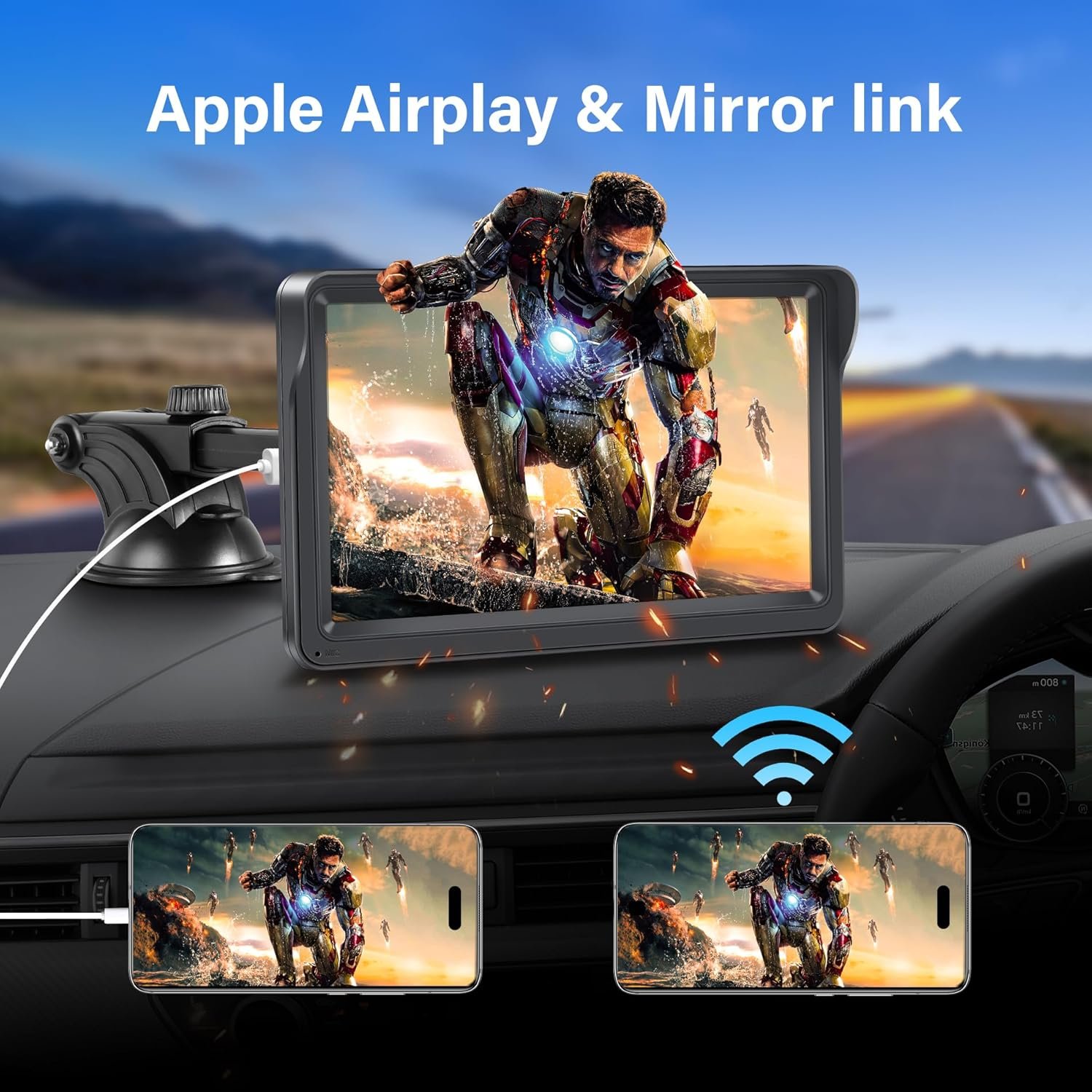
【Mirror Link/Air Play】You can use airplay to connect your smartphone to the portable carplay screen, or use a USB cable to connect your smartphone to the portable carplay. Then you can synchronize the picture on your phone to the portable car radio screen. The portable car stereo with HD IPS touch screen improves the viewing experience, so you can enjoy the HD big screen video experience even outdoors.
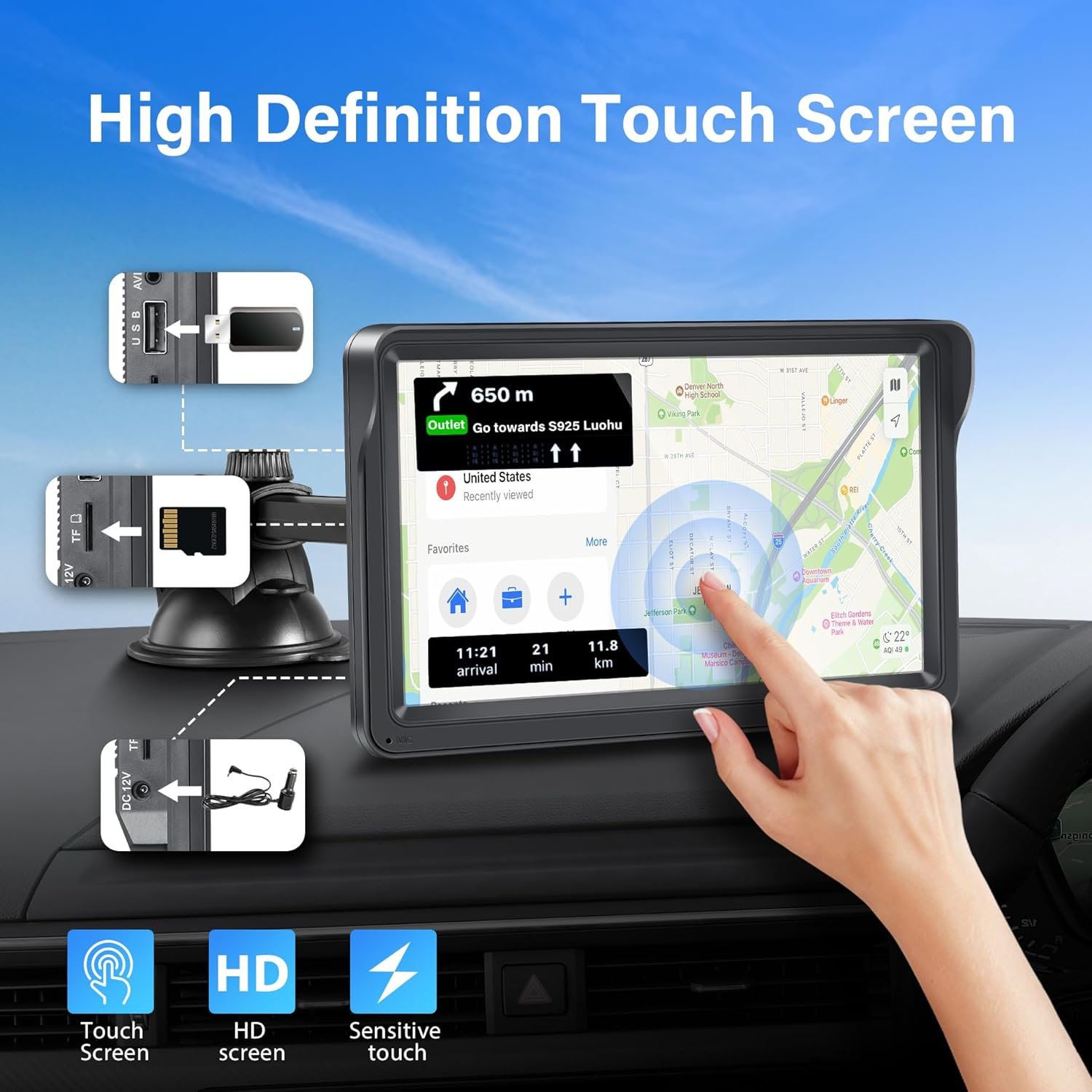
【Bluetooth Calling/Map Navigation】Portable wireless Car Play and Android Auto Screen radio supports Bluetooth hands-free calling and music playback. Once your phone is connected to the radio’s Bluetooth, you can make hands-free calls and audio via stable Bluetooth transmission, making calls more stable and safer. Large screen map navigation is clearer, achieving a more convenient and safe journey.
【FM/AUX to Play Music】Portable car stereos have built-in speakers, making it easier and faster to talk and play music. But if you want louder sound, simply set the portable radio and the original car radio to the same FM frequency, or use an AUX cable to connect the portable stereo’s AUX jack to the car’s AUX input to transmit audio to the car speakers. All audio will play through the stock car speakers.
【Special Shaded Design】This portable carplay comes with a shaded frame so that you can still see the HD screen clearly even under sunlight and bright light, protecting your eyesight while still allowing you to have a good experience.
【Easy To Install】Easy to install, suitable for all kinds of vehicles, no need to disassemble the car, just install it on the dashboard, maintain the original appearance of the car. Suitable for all different cars such as campervans, trucks and vans. We provide high quality customer service, professional technical team can solve product problems. If you have any questions, please feel free to contact us and we will help you solve the problem.
【Good Choice】Are you still looking for gifts for your family? Our wireless portable apple carplay is a perfect gift for the important day like birthday, Father’s Day, holiday, Christmas, Thanksgiving Day and so on. Have a nice travel.
Customers say
Customers find the AV receiver easy to set up and use. It connects seamlessly to their car and phones. They find it provides good value for the price, with a clear and sharp screen. Many customers are satisfied with the navigation. However, opinions differ on the sound quality and touch screen.
AI-generated from the text of customer reviews


Reviews
There are no reviews yet.