




Description
Price: $26.99
(as of Jan 07, 2025 10:53:20 UTC – Details)

Product Description


Step 1
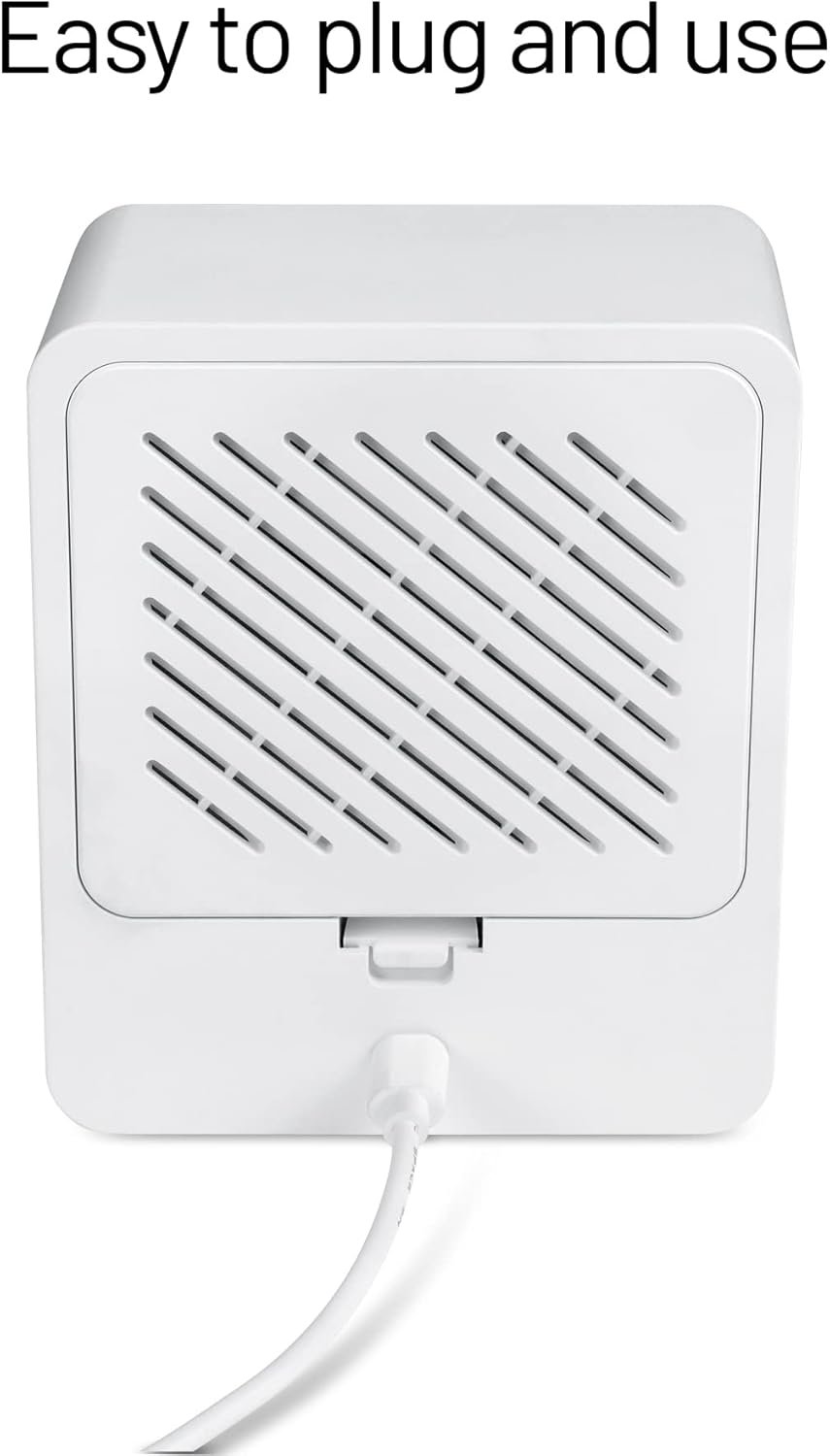
Remove the back cover and connect the power cable inside the compartment to the Wyze Cam V3.

Step 2
Connect the power adapter and set the clock and alarm. Then switch the infrared light switch inside the compartment to “Auto”.

Step 3
Pair your camera, and change the setting to operate the night vision.

Step 4
Go to advance setting and turn the night vision IR light and camera status light off. And then switch the night vision to “Auto”.
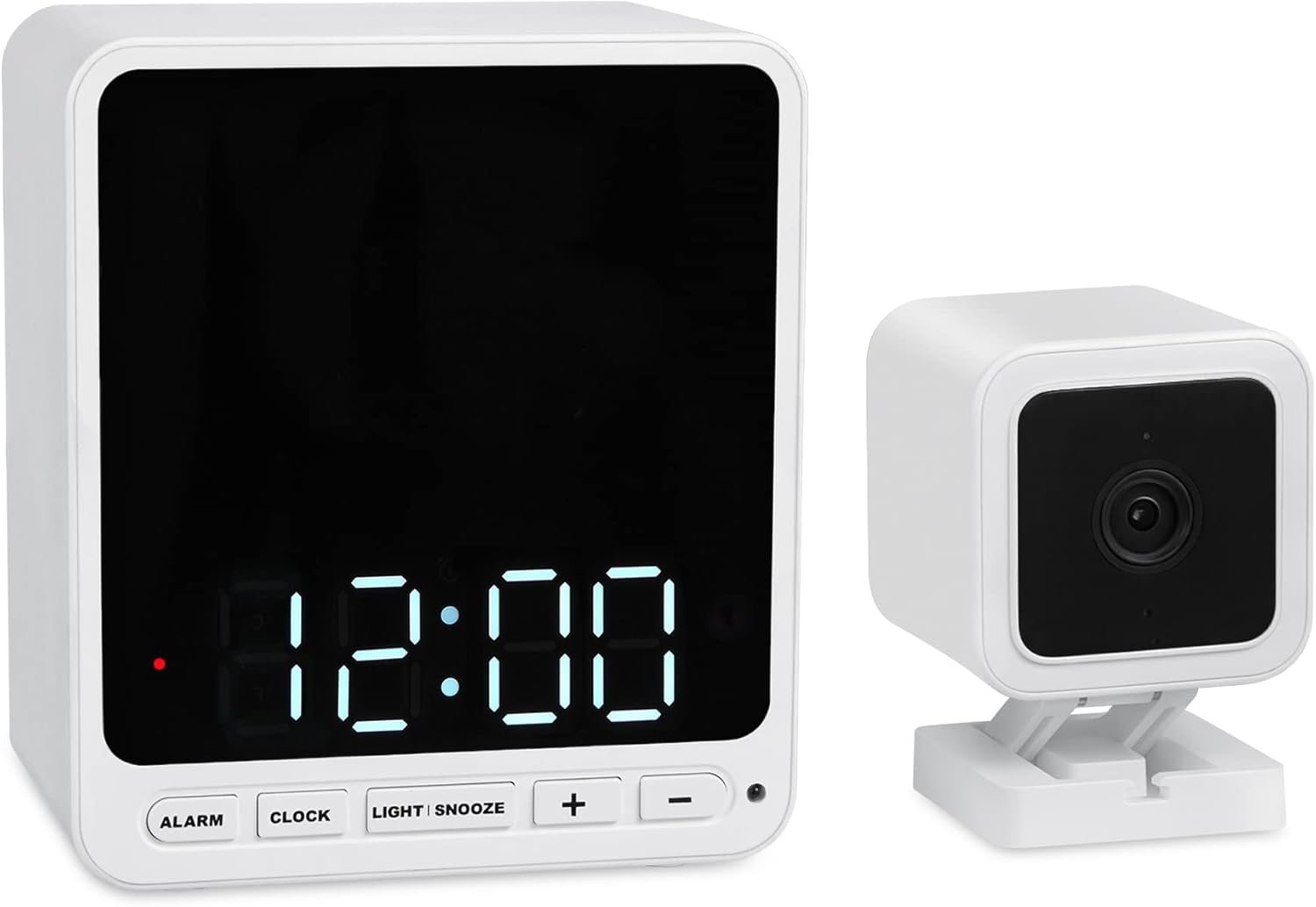
DISCREET MONITORING – The Wasserstein Alarm Clock Camera Case allows you to completely blend your camera with its surroundings for discreet monitoring
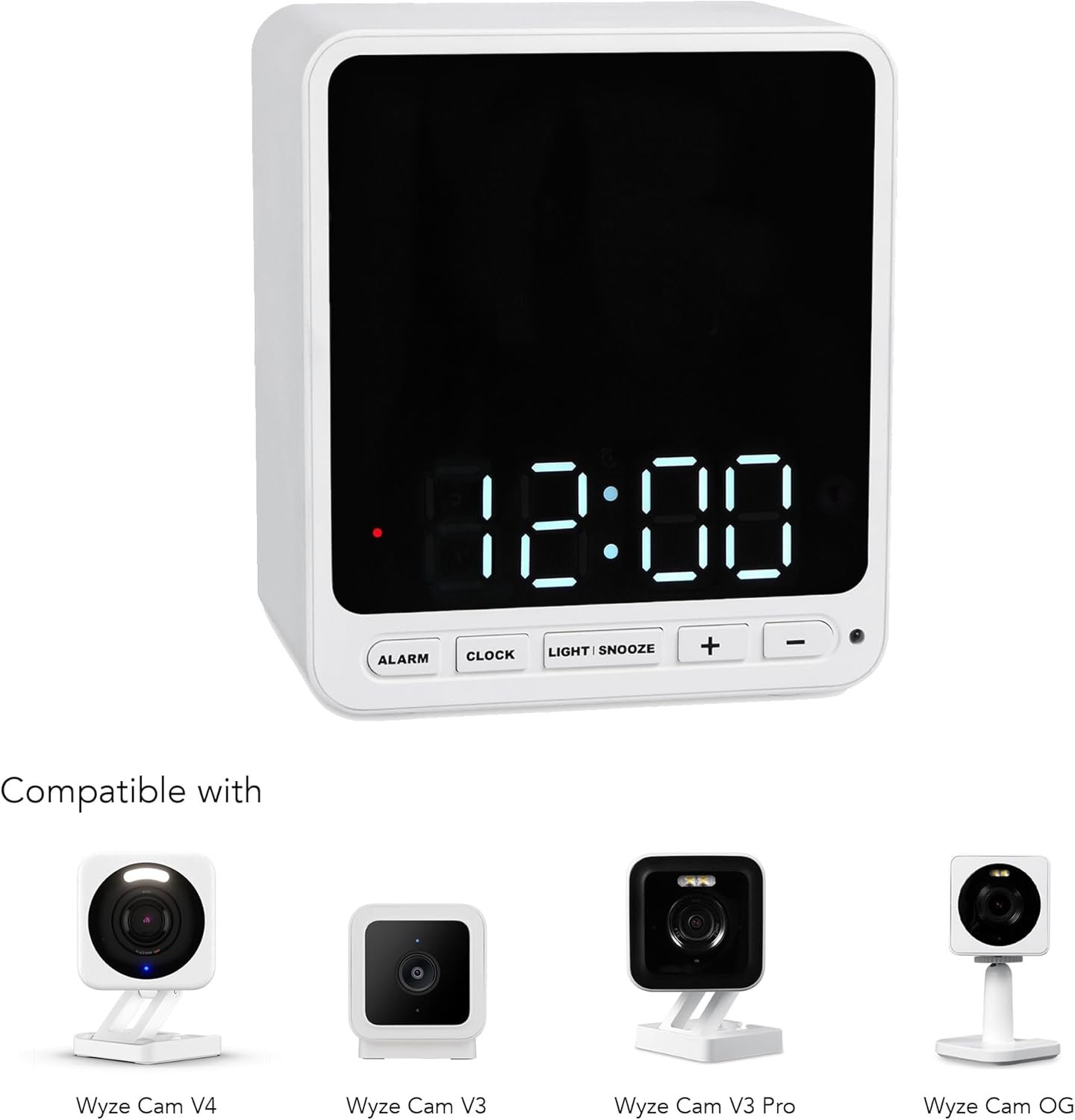
IMPROVED PROTECTION – This camera case has a built-in compartment that easily fits your Wyze Cam V3/V3 Pro/V4/OG, fully encasing it for better protection
NO QUALITY LOSS – Hide your Wyze Cam V3/V3 Pro/V4/OG without worrying about sacrificing its video or audio quality
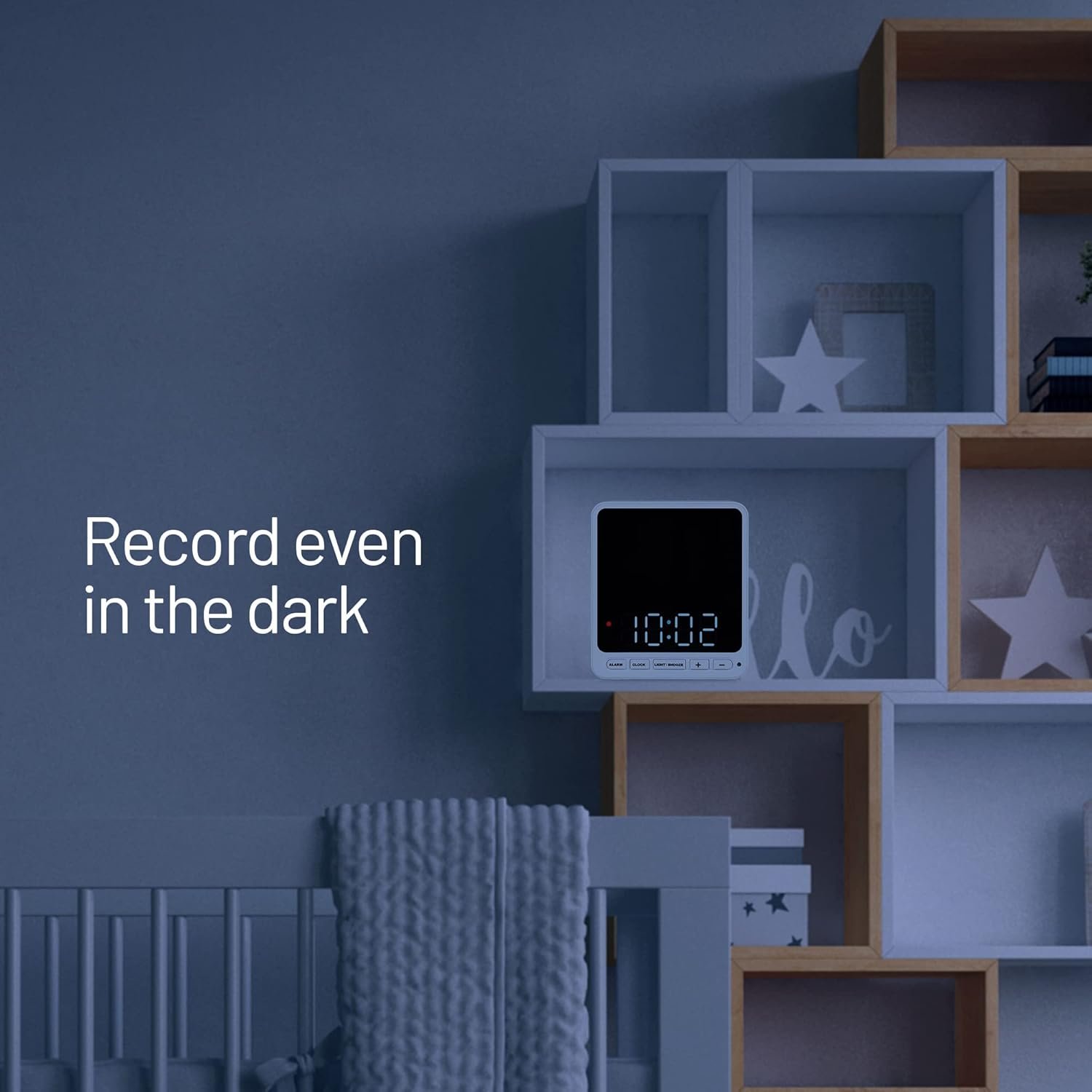
INFRARED CLOCK – Turn off the infrared feature in the Wyze app and use the clock’s built-in infrared for clear recording, even in low light conditions
COMPATIBLE WITH WYZE – The Wasserstein Alarm Clock Camera Case is fully compatible with the Wyze Cam V3, V3 Pro, V4, and OG
Customers say
Customers appreciate the camera concealment in the clock. They find it a good hiding spot for their camera and say it serves as an excellent disguise. They also like the easy setup. However, some customers have issues with night vision. There are mixed opinions on functionality, visual appeal, quality, clock accuracy, and fit.
AI-generated from the text of customer reviews


Reviews
There are no reviews yet.